
Google's Streamlined Team Communication Tool
Overview
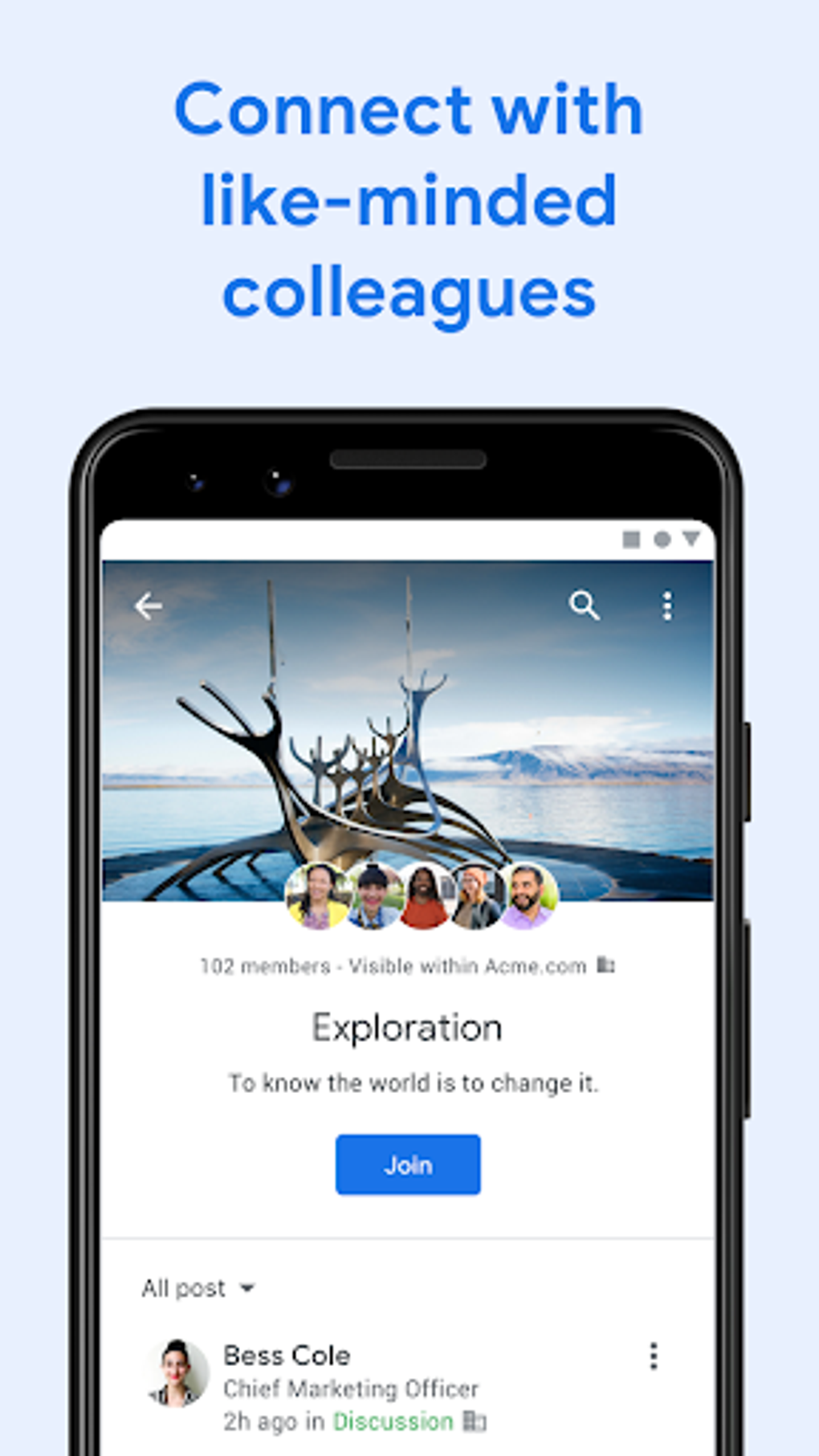
Currents APK is a free collaboration app developed by Google, designed to enhance internal enterprise communication within organizations using G Suite. The software serves as a modern replacement for Google+, offering a streamlined platform for teams to exchange ideas, share documents, and stay aligned without relying on email overload. It enables real-time discussions across departments, making it ideal for professionals in corporate environments who need efficient, centralized communication.
The app supports content organization by relevance or time, ensuring critical messages remain visible and accessible. Its interface is optimized for both office and remote work, allowing seamless interaction regardless of location. While it is not available to general users, it is tailored for employees and leaders within G Suite-enabled organizations.
Real-world use cases include company-wide announcements, project coordination, knowledge sharing, and team engagement. The app also integrates with existing Google Workspace workflows, making it a natural fit for businesses already invested in the ecosystem.
Key Features & Capabilities
- Centralized Team Communication – Enables instant messaging and discussion threads across teams, reducing dependency on email for daily collaboration.
- Content Prioritization – Allows executives to promote important posts so they appear at the top of the feed, ensuring visibility across the organization.
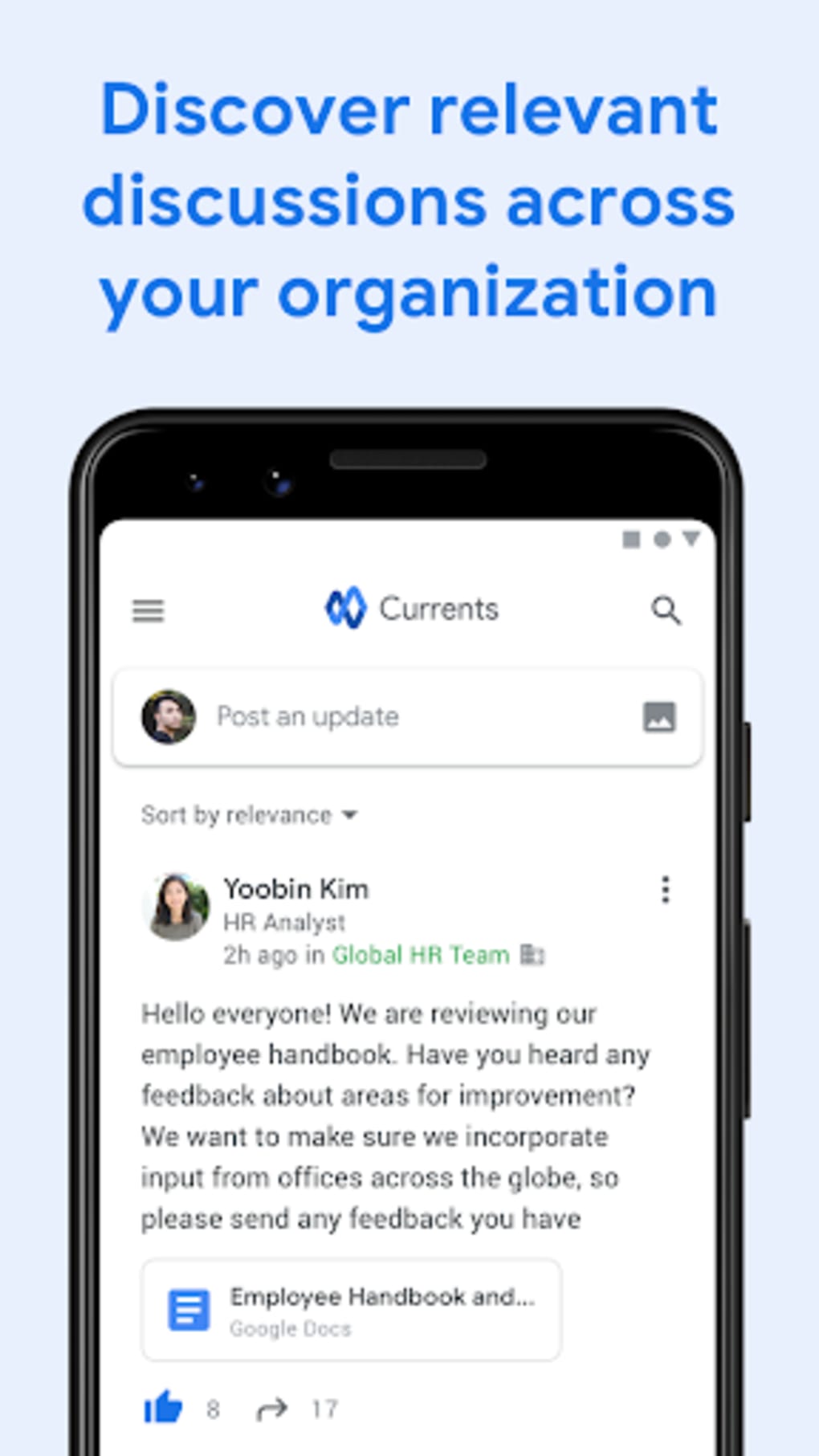
- Relevance-Based Feed – Automatically ranks content based on importance, helping users focus on what matters most without manual sorting.
- Tagging and Mentions – Supports tagging individuals or teams within posts, improving accountability and response tracking.
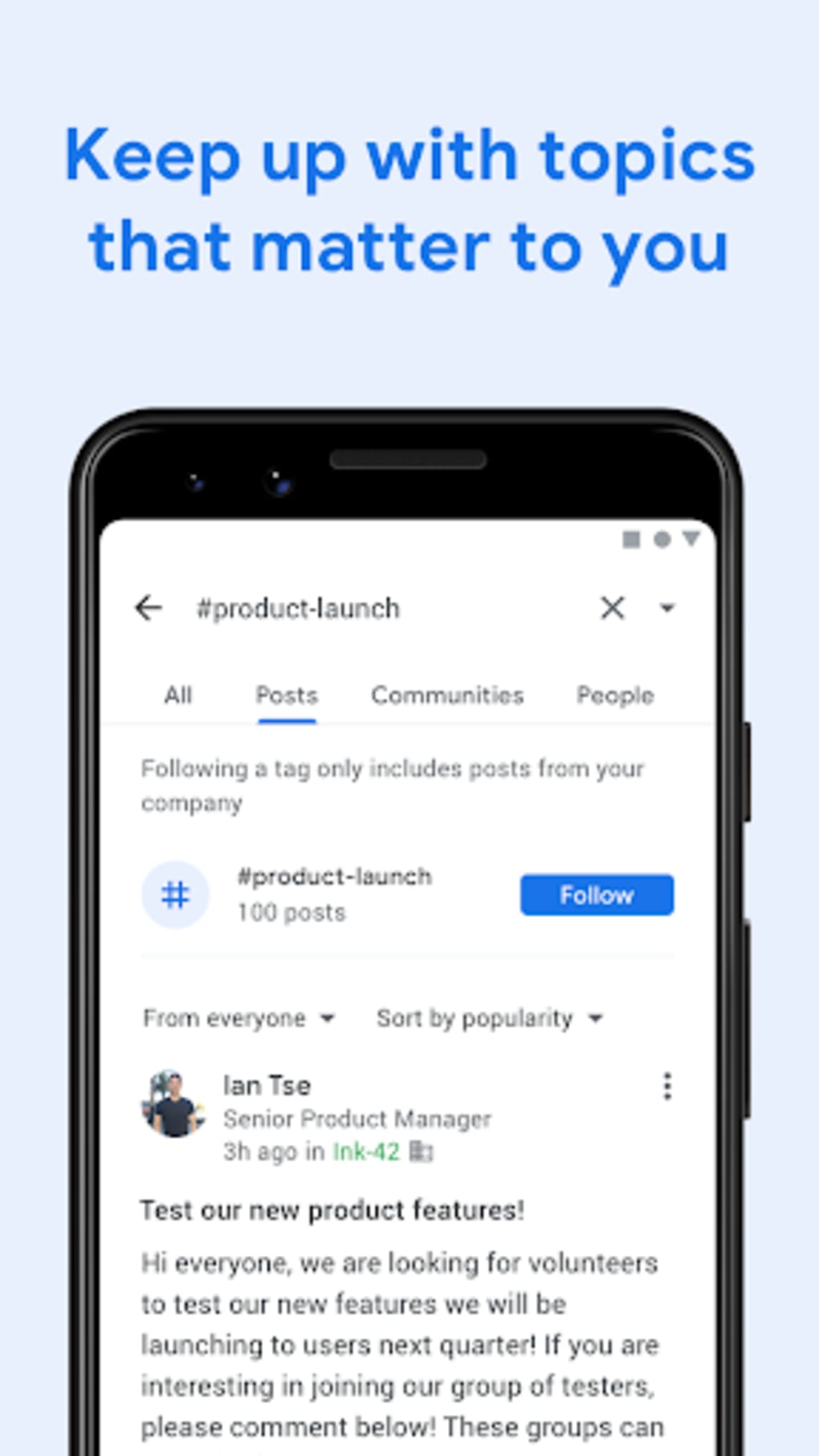
- Search and Tag Follow – Users can search for specific topics or follow relevant tags to stay updated on ongoing discussions.
- Post Analytics – Provides insights into views, reshares, likes, and comments, helping admins measure engagement and content effectiveness.
- Announcements and Engagement Features – Includes system-generated announcements and light-hearted elements like wellness reminders and pets to boost morale.
These features support dynamic team interaction, from leadership messaging to peer collaboration. For example, a department head can post a strategic update that appears at the top of the feed, while team members can tag colleagues in task-related discussions. The analytics dashboard helps managers assess which content drives engagement, enabling data-informed communication strategies. The integration of social elements like wellness content promotes a more humanized workplace culture, balancing productivity with employee well-being.
User Interface, Workflow & Performance
The user interface of Currents APK is clean and intuitive, built around a white-themed design that emphasizes readability and ease of navigation. The home stream serves as the central hub, displaying posts in a chronological or relevance-based order. Navigation is straightforward, with clearly labeled sections for feeds, search, and user profiles.
The posting workflow is streamlined—users can quickly create posts, tag individuals, attach files, and publish with minimal steps. The app supports quick access to frequently used features through contextual menus and swipe gestures. Performance observations are based on general software behavior patterns; the app runs efficiently on modern Android devices.
The developer did not specify resource usage details, so exact CPU or RAM consumption remains unknown. Stability appears consistent across standard usage scenarios, though long-term performance under heavy load was not documented. The app functions smoothly in both online and offline modes, with automatic sync when connectivity resumes.
Compatibility & System Requirements
Currents APK is designed for Android devices and is compatible with Android 6.0 and later versions. The application has a file size of 44.7 MB, making it lightweight and suitable for devices with limited storage. The developer did not provide additional system requirements, so exact hardware specifications such as processor speed or memory capacity are not available.
Installation is straightforward through the Google Play Store, and the app integrates with G Suite accounts for authentication. Platform compatibility information is limited to Android, with no details on support for iOS, Windows, or Mac. Users should ensure their device meets standard Android requirements for app functionality.
The app is optimized for mobile use, though its features are accessible from any Android-powered device with internet access.
Pros and Cons
Pros
- Free to use for G Suite customers
- Intuitive, modern interface optimized for mobile
- Effective content prioritization and relevance ranking
- Strong integration with Google Workspace ecosystem
- Comprehensive post analytics for engagement tracking
- Supports team tagging and targeted communication
- Engagement-enhancing features like wellness content
Cons
- Exclusive to G Suite users; not available to the general public
- Limited to Android platform; no iOS or desktop version confirmed
- Exact system requirements not publicly listed
- Performance data and resource usage details not provided
- Dependent on Google’s ecosystem for full functionality
FAQ Section
Is Currents APK available for iOS devices?
Currents APK is currently designed for Android. There is no confirmed iOS version available at this time.
Can I use Currents without a G Suite account?
No. The app is exclusively available to users with a G Suite account. It is not accessible to general users without organizational access.
Is the app secure for enterprise communication?
As a Google-developed tool integrated with G Suite, Currents leverages Google’s enterprise-grade security protocols. However, specific security features were not detailed in the provided information.
How often does the app receive updates?
Google typically releases updates for its enterprise tools on a regular schedule. The latest version available is 2.1.1, released on May 15, 2023.
Can I use Currents offline?
Yes, the app supports limited offline functionality. Posts and content can be accessed and composed offline, with changes synced automatically when connectivity is restored.
Final Thoughts + CTA
Currents APK stands out as a purpose-built, enterprise-focused communication tool that effectively replaces older platforms like Google+. Its clean design, intelligent content ranking, and robust analytics make it a valuable asset for organizations using G Suite. While its exclusive availability to G Suite users and limited platform support may restrict broader adoption, it delivers strong value within its intended ecosystem.
The app excels in fostering team alignment, enabling leadership visibility, and promoting engagement through thoughtful features. For teams seeking a modern, secure, and integrated way to collaborate, Currents offers a compelling solution. Download Currents APK now to experience streamlined team communication powered by Google.





.png)

